+1 Upgrade Per Kill Controls
Last updated:
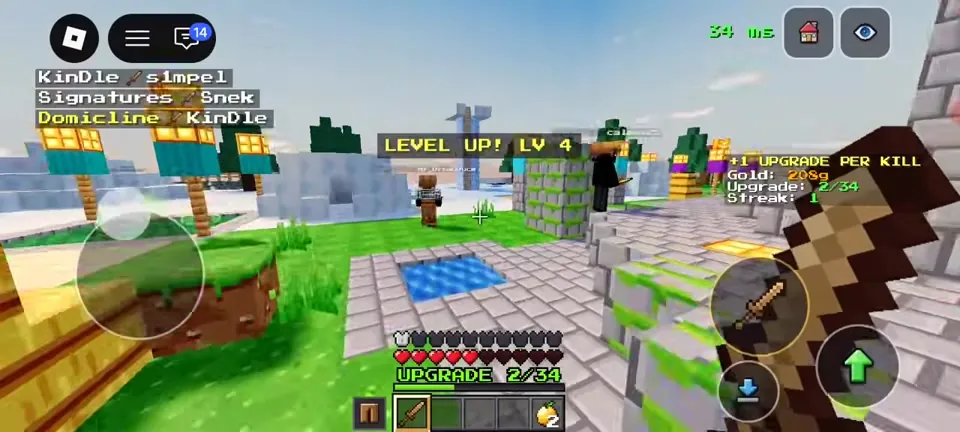
This is the control layout for +1 Upgrade Per Kill. The mobile layout is confirmed from gameplay footage (Charmeleon, YouTube, Oct 23, 2026). PC keys follow the Roblox defaults and still need checking.
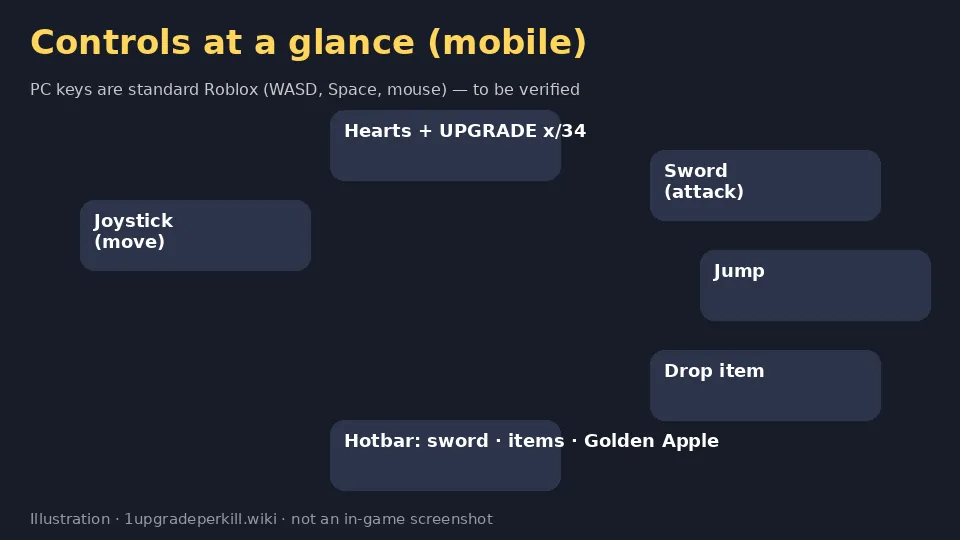
Mobile controls (confirmed from footage)
| Button | What it does |
|---|---|
| Left joystick | Move |
| Sword button (right) | Attack with your weapon |
| Green up-arrow | Jump |
| Blue down-arrow | Drop/use item to be verified |
| Hotbar (bottom) | Sword, class item, Golden Apple |
| Top-right house / eye icons | Return to lobby / spectate view to be verified |
PC controls
Standard Roblox controls are WASD to move, Space to jump, left-click to attack and 1–9 to switch hotbar slots. We haven't confirmed these in this game yet to be verified.
HUD
Above the hotbar you'll see your hearts and UPGRADE x/34. A side panel shows Gold, Upgrade and Streak. Kill-feed messages appear at the top left.
Combat tips
The game has crits and knockback. Knockback near the void is deadly, so fight in the middle of the arena, especially against Trickster snowballs and Bomber TNT. See classes.
Sources: prices, dates and stats come from the official Roblox game page and public Roblox APIs (checked October 24, 2026, ~11 PM PKT). Menu text comes from gameplay footage (Charmeleon, YouTube, Oct 23, 2026). Anything else is labelled to be verified.